 Doorstep
Bring your own leads & use Doorstep as an email engine
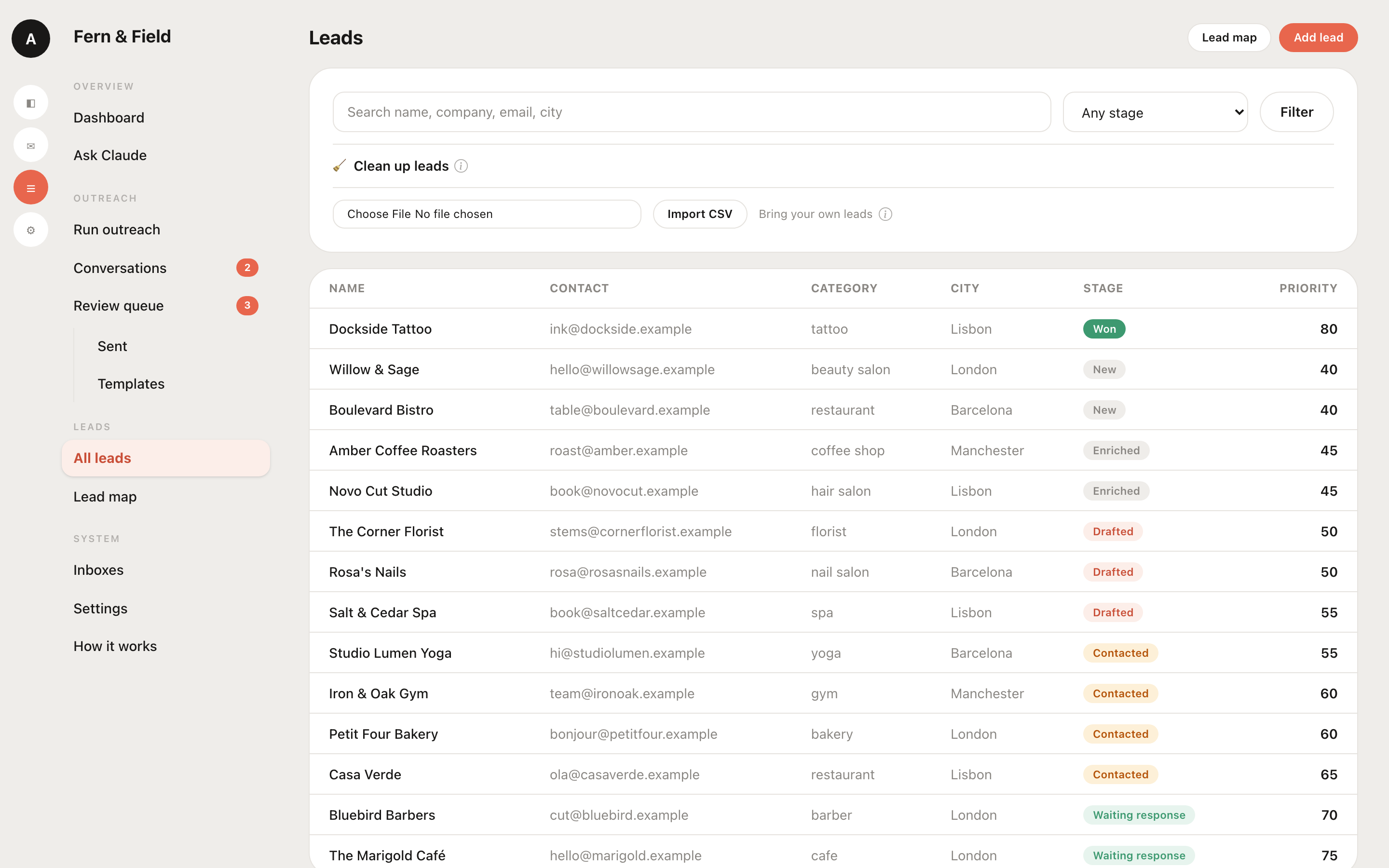
Don't need the map-based lead finder? Already have a list in a CRM or spreadsheet? Import it and use Doorstep purely for drafting, approving, and sending — the finding step is optional.
Use only the email side
Doorstep has two halves: a lead finder (OpenStreetMap + enrichment) and an outreach engine (your Claude drafts, you approve, it sends with warm-up). They're independent. Skip the finder, import a list, and the whole drafting → review → send → replies loop works exactly the same.
Import a CSV
On the Leads page, choose Import and upload a CSV. Doorstep shows a mapping preview so you match your columns (name, company, email, phone, website, category, notes) before anything is saved. Rows are de-duplicated by email, phone and Instagram, so re-importing an updated export never creates duplicates.
Coming from a CRM?
Every major CRM and spreadsheet exports CSV — that's your bridge into Doorstep today:
- HubSpot — Contacts → Export
- Salesforce — Reports / Data Export → CSV
- Pipedrive — Leads/People → Export
- Airtable / Notion — Download / Export CSV
- Google Sheets / Excel — Save as CSV
Export your segment, import it, map the columns, and start sending. Because Doorstep de-duplicates on re-import, you can refresh the same list whenever your CRM changes.
What still applies
Imported leads follow the same rules as scraped ones: your Claude personalizes each draft from the business profile and any details on the row, you approve every send, and sending respects your warm-up ramp and bounce protection. See the deliverability guide.
Your list, your Claude, your sending
Import in minutes and use Doorstep as a pure outreach engine.
Get Doorstep