 Doorstep
Lead enrichment: turning a name into a contactable lead
A business on a map isn't a lead until you can reach them. Doorstep enriches every lead automatically — filling in websites, emails, phone numbers, socials and company data — and you can plug in your own free API keys to go further.
Two tiers, both automatic
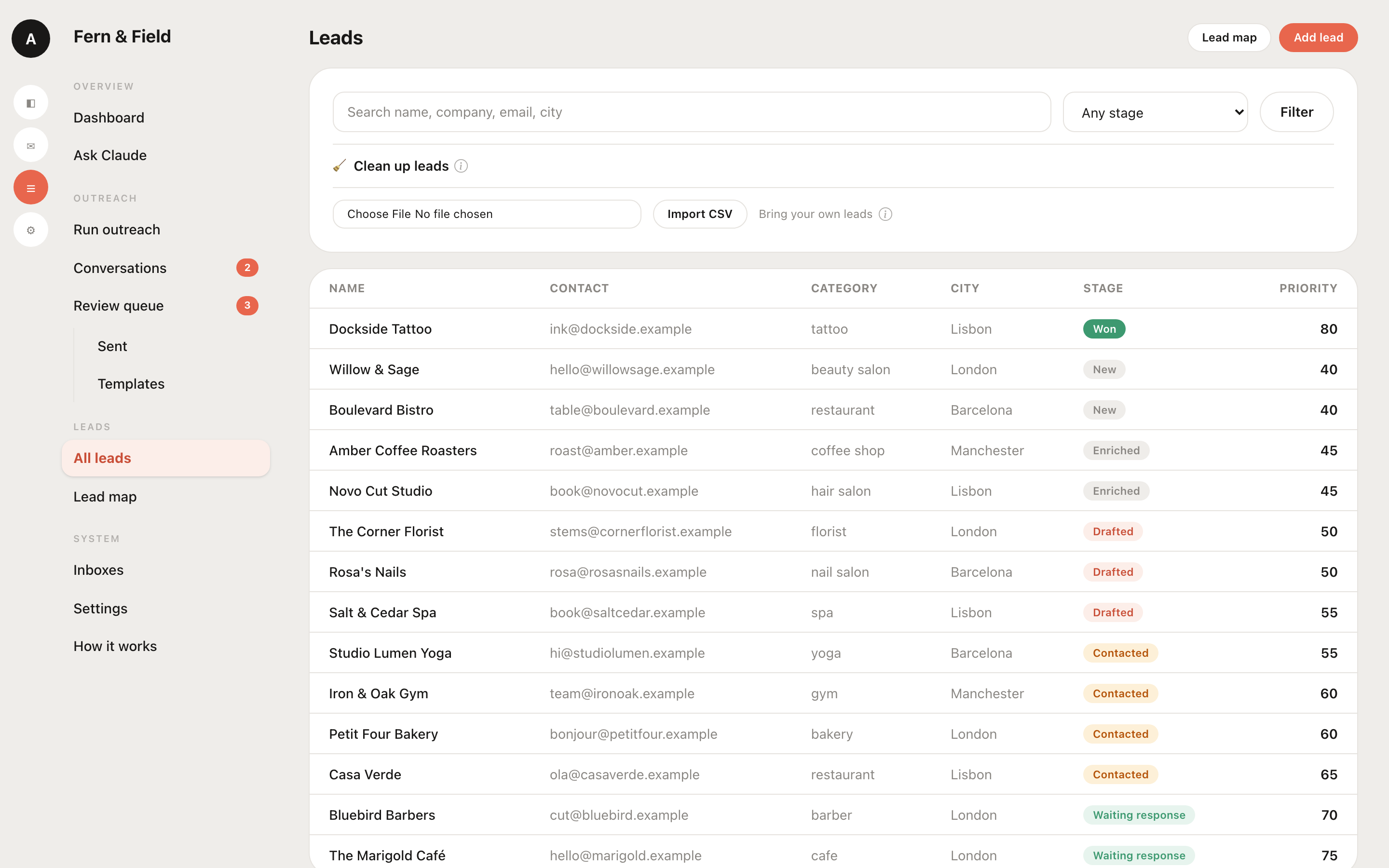
Enrichment runs on every lead — whether it came from the map, a CSV import, or was added by hand — and fills only what's missing. There are two tiers.
1 · Built in and free (no setup)
- Website crawler. Visits the business's site and its contact/about/booking pages and pulls emails, phones, Instagram and other socials, booking-platform links, and site-quality signals (HTTPS, mobile-friendliness, copyright year).
- Mail-server check (DNS/MX). Confirms the domain can actually receive email — so you know an address is worth sending to.
- Domain age (RDAP). Pulls the domain's registration date and registrar — a simple "how established is this business" signal, and a genuine outreach hook ("noticed you've been around since 2009…").
These need no keys and no configuration — they just run.
2 · Optional providers (bring your own free key)
Add any of these in Settings → Enrichment providers. Each is off until you paste a key, and each uses your own free quota — so it costs nothing extra and stays under your control.
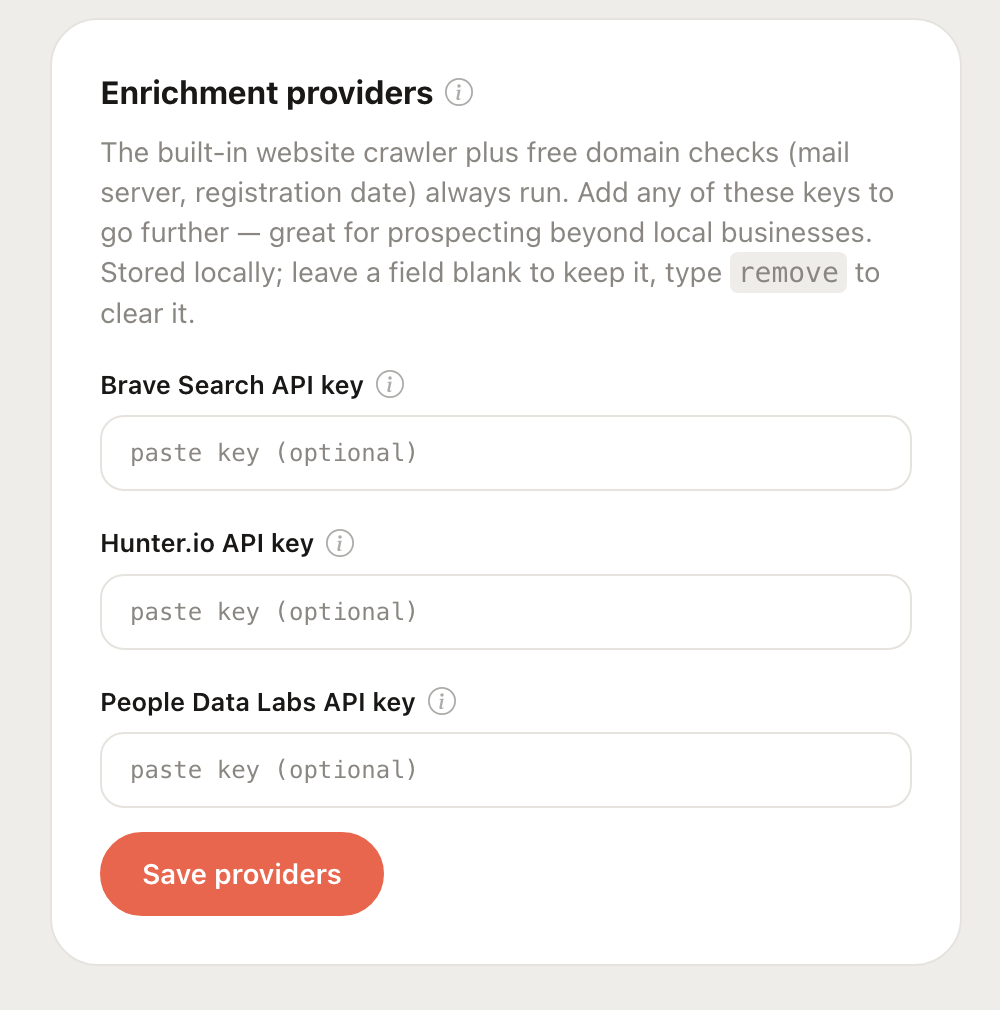
Settings → Enrichment providers — paste a key to switch a provider on.
| Provider | Adds | Best for |
|---|---|---|
| Brave Search | Finds a business's website (and sometimes Instagram) from its name + city | Leads the map has no website for |
| Hunter.io | Public email addresses for a domain, ranked by confidence | Getting a real inbox to contact |
| People Data Labs | Company firmographics — industry, size, employee count, founding year | B2B qualifying & segmentation |
How to add a key
- Get a free API key from the provider (steps for each below).
- In Doorstep, go to Settings → Enrichment providers.
- Paste the key into the matching field and click Save providers. A green set badge confirms it's active.
From then on, any lead missing that piece of data gets it filled during enrichment.
Where to get each key
All three have a free tier and give you a key in a couple of minutes. (Provider dashboards change their layout occasionally — if a button has moved, look for “API” or “API keys” in your account.)
Brave Search API key
- Go to the Brave Search API dashboard and sign up.
- Choose the Free plan (it asks for a card to prevent abuse but the free tier isn't charged).
- Open API Keys → Add API key, then copy it.
Docs: brave.com/search/api
Hunter.io API key
- Create a free account at hunter.io.
- Open your API Keys page (top-right menu → API).
- Copy the API key shown there.
Docs: hunter.io/api-documentation
People Data Labs API key
- Sign up at peopledatalabs.com (free developer tier).
- Open the PDL dashboard → API Keys.
- Copy your key.
Docs: docs.peopledatalabs.com
Why this works for any lead-gen
Because enrichment starts from a name, a website, or an email, it isn't limited to local businesses on the map. Import a CSV of company domains and Doorstep will verify the mail server, pull emails via Hunter, and attach firmographics via People Data Labs. Have only company names? Brave Search resolves their websites first, then the crawler takes over.
Compliant by design
Every provider is an official API. Doorstep does not scrape Google, LinkedIn or Instagram — those violate their terms and get accounts blocked. Sticking to official sources is what keeps enrichment reliable and safe to run at volume.
Richer leads, automatically
Built-in enrichment out of the box, plus your own free API keys when you want more.
Get Doorstep